Key takeaways
- A single consumer router can't cover a business. Business Wi-Fi uses several access points working together.
- Placement and cabling matter more than the brand of equipment.
- Separate networks for staff, guests, cameras and POS keep everything faster and safer.
1. A home router trying to do a business job
The router your internet provider gave you was made for a household. In a business it ends up handling dozens of phones, laptops, printers, cameras and POS terminals at once. Business access points are built to handle many more devices and work together as one network.
2. Too few access points, or in the wrong place
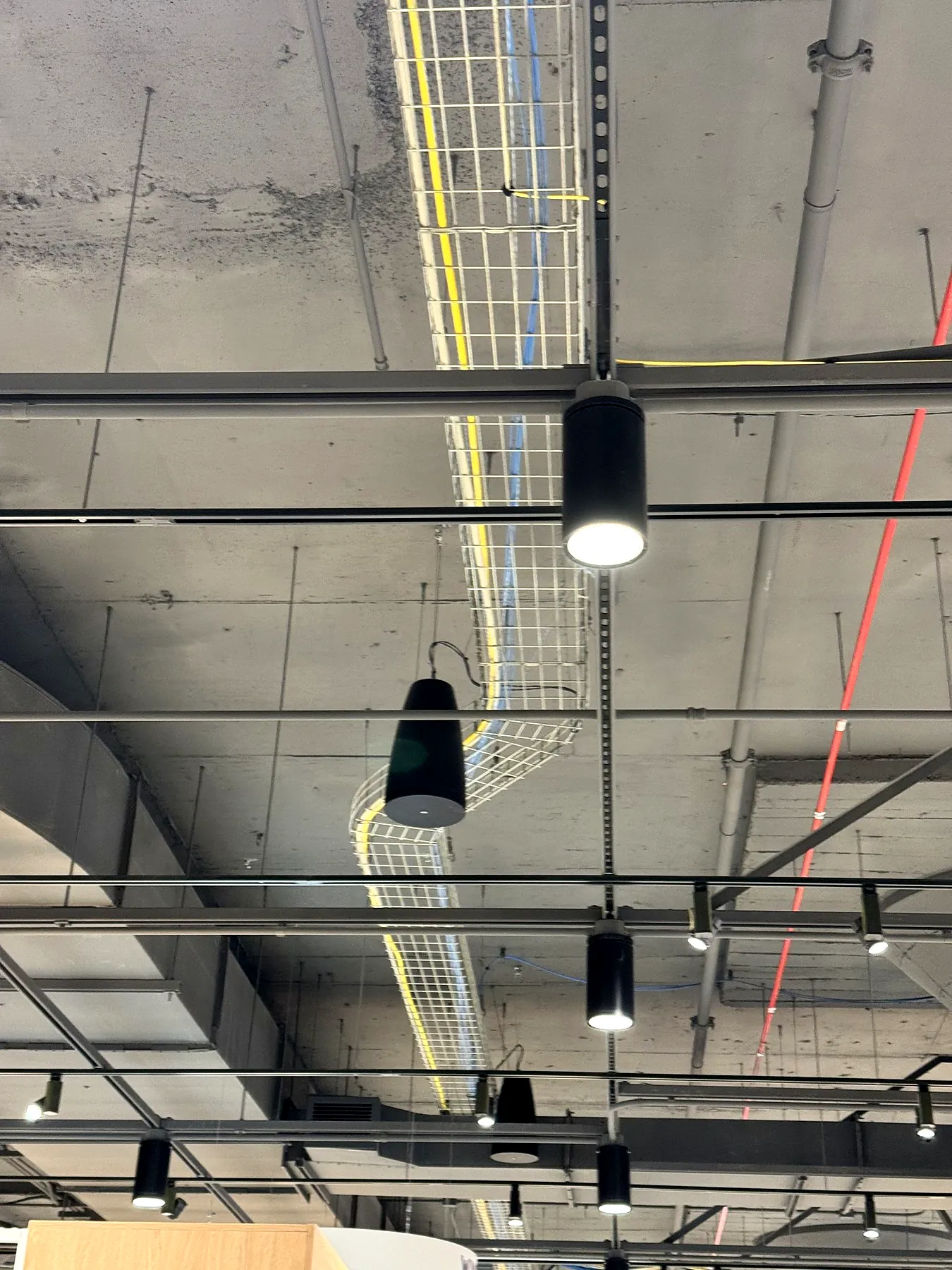
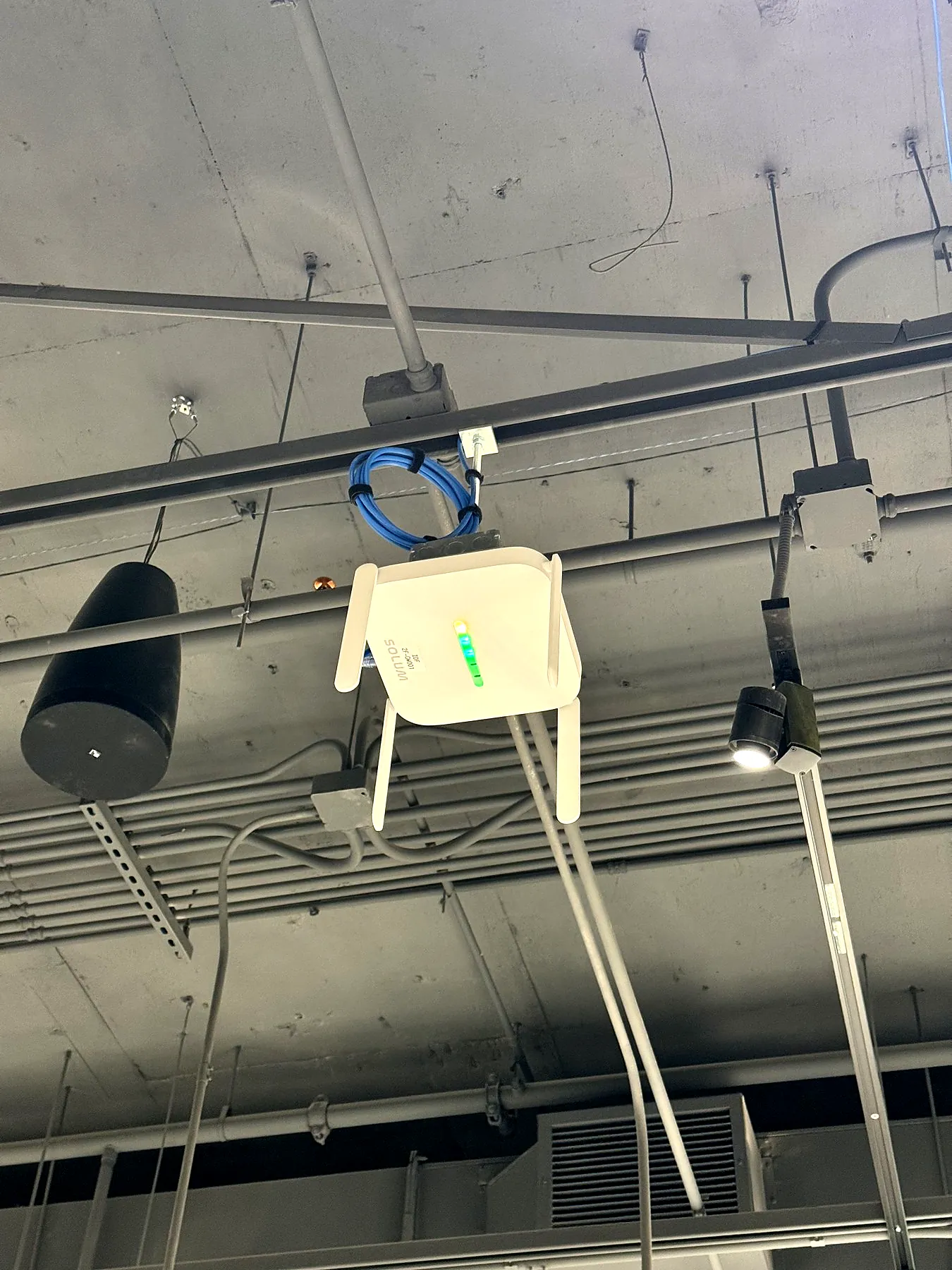
Wi-Fi signal drops quickly through brick, concrete, metal shelving and kitchen equipment. One access point in a back office won't cover a dining room or a warehouse. A coverage plan places access points where people actually use their devices, usually mounted on the ceiling.
3. Interference and crowded channels
In busy buildings, neighboring networks compete for the same channels, especially on 2.4 GHz. Business systems use the 5 GHz and 6 GHz bands and adjust channels automatically to avoid the noise.
4. Everyone on one network
When guests, staff, cameras and POS share one network, one busy device can slow everyone down, and it's a security risk. Separate networks (VLANs) for each group keep critical systems fast and protected. Guest Wi-Fi should never see your business devices.
5. Old cabling and switches
Access points are only as fast as the cable and switch behind them. Damaged or very old cabling, or unmanaged switches, can quietly cap your speeds. Cat6 cabling and PoE switches are the standard for new installs.
6. The internet itself
Sometimes the Wi-Fi is fine and the internet plan is the bottleneck, or it drops without anyone noticing. A second internet connection with automatic failover keeps you online when the main one fails. See internet, SD-WAN and backup options.
Frequently asked questions
How many access points does my office need?
It depends on the size, walls and number of devices. Many small offices need 2 to 4; a short site survey gives the exact number.
Can you fix our Wi-Fi without replacing everything?
Often, yes. Moving or adding access points, fixing cabling and separating networks can make a big difference.
Should guests have their own Wi-Fi?
Yes. A separate guest network protects your business devices and keeps your staff network fast.